![513x513px Logo (1)-1.png]](https://support.unifiedpractice.com/hs-fs/hubfs/513x513px%20Logo%20(1)-1.png?height=40&name=513x513px%20Logo%20(1)-1.png)
Upload and view images in any section:
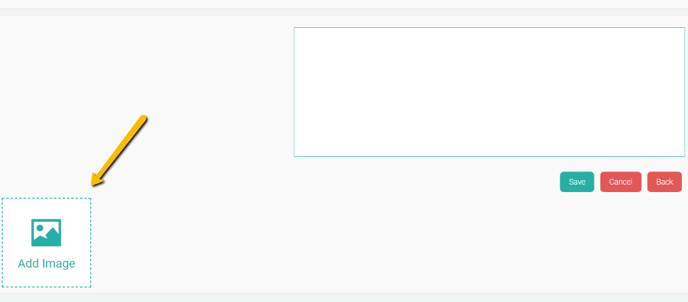
- Click on any section in the SOAP note. Then in bottom left corner underneath the Text Entry section click Add Image.
- This will allow you to attach an image in this section.
- Once attached, clicking the thumbnail of the image will enlarge it.