![513x513px Logo (1)-1.png]](https://support.unifiedpractice.com/hs-fs/hubfs/513x513px%20Logo%20(1)-1.png?height=40&name=513x513px%20Logo%20(1)-1.png)
Using the iPhone App you can access the Clinic Notes from the Appointment Screen. The Clinic Notes can be entered, edited or deleted.
Jump To:
Clinic Notes Icon:
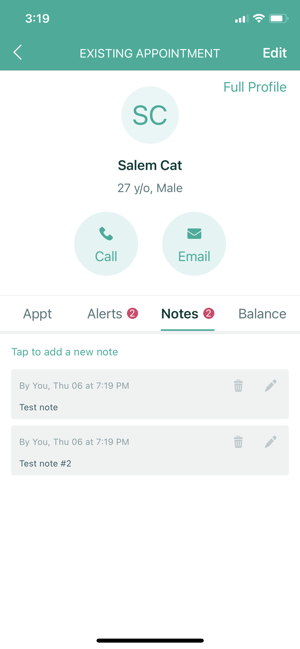
- When Clinic Notes have been added within a Patient Appointment, an icon will show within the Appointment Details window when setting up an appointment. You will now be able to see if there are notes and how many.
No Clinic Notes to display:
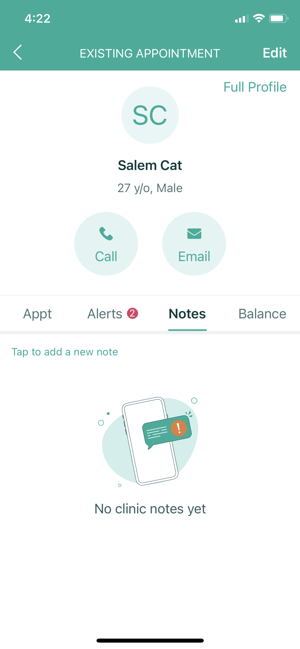
- This screen will display when there are no clinic notes to display.
Edit mode:
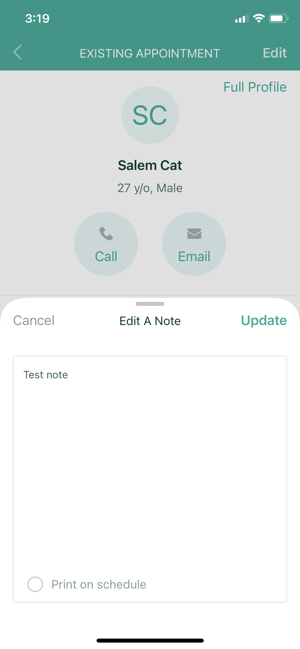
- In Edit mode you can modify existing notes.
- Clinic Notes can be printed on the schedule by selecting the check mark next to "Print on schedule".
Edit or Delete:
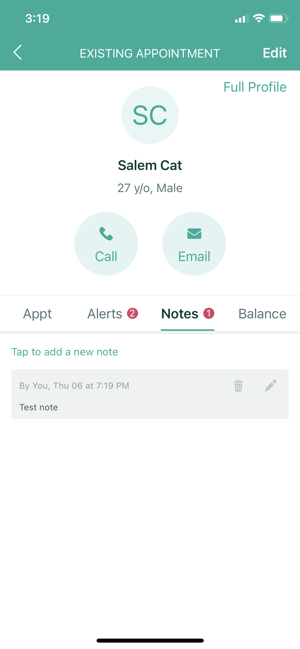
- Any existing notes can be edited or deleted. Use the trash can icon to delete, pen icon to edit.