![513x513px Logo (1)-1.png]](https://support.unifiedpractice.com/hs-fs/hubfs/513x513px%20Logo%20(1)-1.png?height=40&name=513x513px%20Logo%20(1)-1.png)
How to add your Practitioner description
- Start by logging into your Unified Practice account on your preferred web browser.
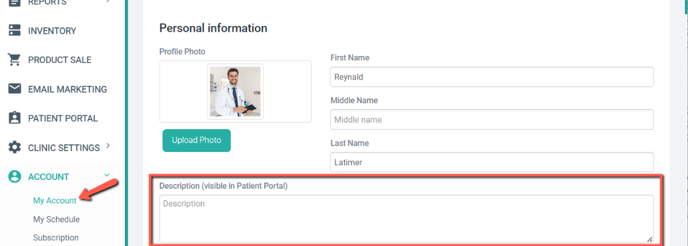
- Next, navigate to the left hand menu and scroll down to Account then My Account.
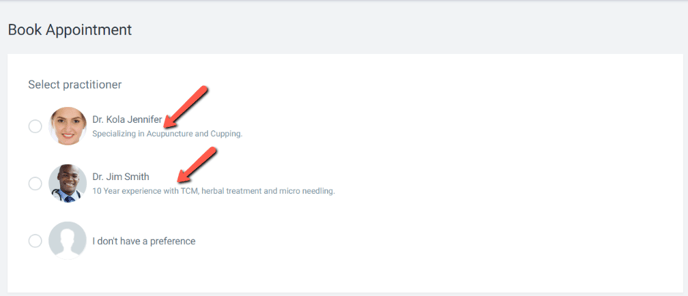
- Now scroll down to the section labeled Description and enter the description you would like displayed on the Patient Portal.