![513x513px Logo (1)-1.png]](https://support.unifiedpractice.com/hs-fs/hubfs/513x513px%20Logo%20(1)-1.png?height=40&name=513x513px%20Logo%20(1)-1.png)
How to log out of Unified Practice
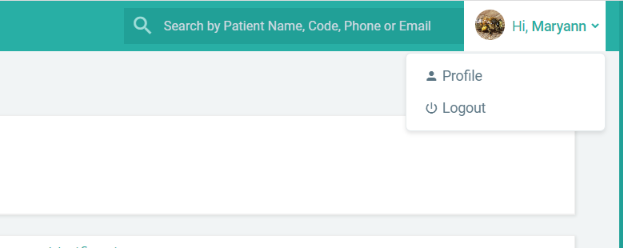
On the web browser, you can logout of Unified Practice by accessing the drop down menu in the top left corner of the Unified Practice screen.
On the iPad app, click the three lines in the top left hand corner of the app.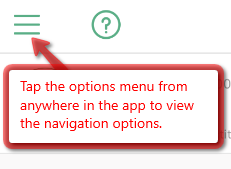
Next, click the Log Out icon.

For information on the iPhone or Android apps, please click to review the related articles.